How to Reset Ge Profile Water Filter (2026) — Honest Reviews
Giving Your GE Profile Fridge Water Filter a Fresh Start
So, your GE Profile refrigerator's water filter light is blinking, or maybe it's just time for a change and you want to get that indicator light reset. It's a pretty common thing, and thankfully, it's usually not a big deal to get it sorted. Think of it like turning your phone off and on again, sometimes that's all it needs.
Most of the time, resetting that filter indicator is straightforward. It’s really about telling the fridge, "Hey, I've put a new filter in, so you can stop reminding me until the next one." We'll walk through the common ways to do this.
Why Resetting Your GE Profile Filter Matters
When a GE Profile refrigerator's water filter indicator light comes on, it's signaling that the filter has reached the end of its useful life. Manufacturer specifications typically recommend replacing the filter every six months, or after filtering a certain volume of water, to ensure optimal performance and water quality. Resetting the indicator light is crucial because the refrigerator's system doesn't automatically detect a new filter's installation. Without the reset, the light will continue to flash, potentially leading users to believe there's an ongoing issue or ignore future replacement alerts.
The Standard Button Reset: Your First Stop
This is the most frequent way you’ll reset the filter light on a GE Profile fridge. It usually involves a specific combination of pressing and holding buttons on your control panel.

Common Button Combinations for Resetting
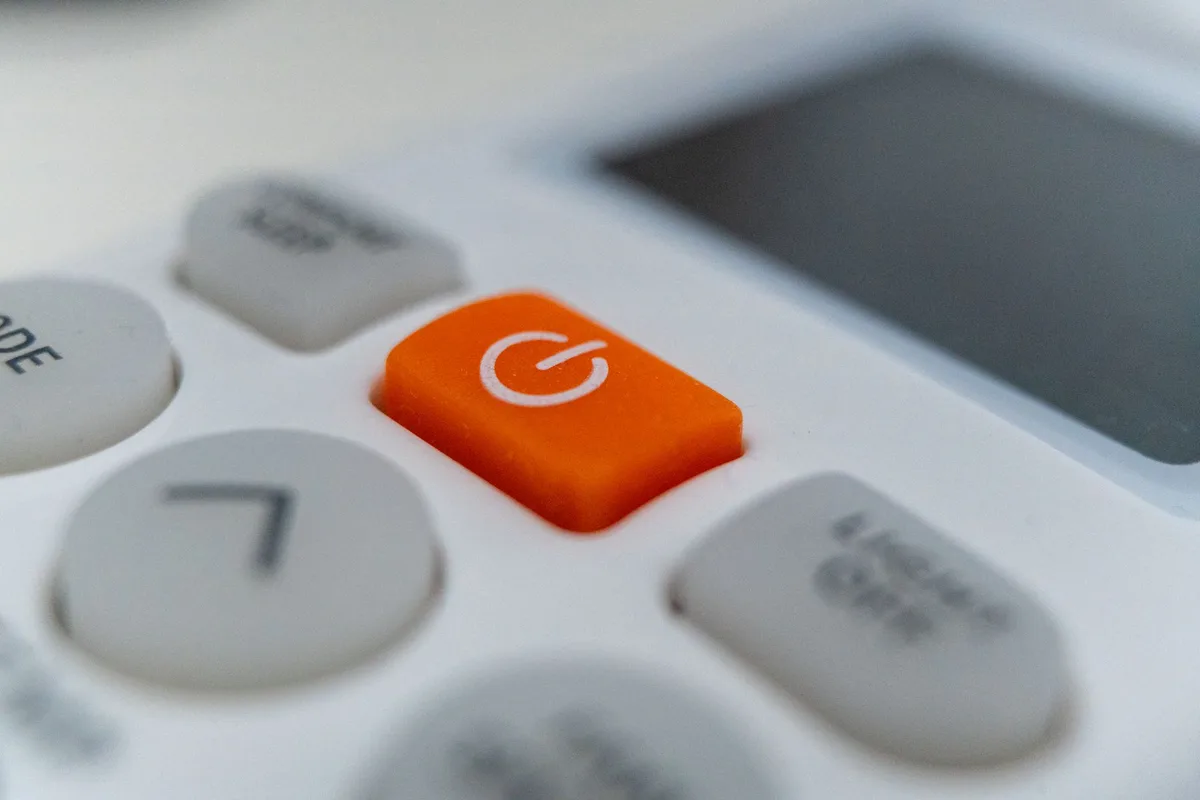
More often than not, you'll need to press and hold the button designated for water filter functions. This could be a button explicitly labeled "Filter," "Water Filter," or sometimes it's tucked within the dispenser options.
- Press and Hold: Aim to press and hold this button for approximately 3 to 5 seconds. The exact duration can vary slightly by model, but this is a good starting point.
- Look for Changes: Keep an eye on the display. You're looking for a confirmation, which could be a beep, an audible chime, or the indicator light itself changing color (e.g., from red to blue or green) or turning off entirely.
Recognizing the Reset Confirmation
What confirmation you'll see heavily depends on your specific GE Profile model. Some models feature a small LED light next to the filter compartment or on the dispenser panel that will change color, often from red or amber to blue, green, or off. Others might have a digital display where the "Replace Filter" message disappears, or a small filter icon is cleared. An audible chime or beep is also a common indicator that the system has registered the reset command.
When the Standard Reset Doesn't Cut It
Sometimes, that simple button press isn't the magic key, especially with some of the more advanced GE Profile models. If the standard method doesn't yield the expected result, your next step is to get specific with your appliance's documentation. The exact sequence or menu option can differ, and relying on the manufacturer's guidance is the most reliable path forward.
Finding Your GE Profile Model's Manual
This is your golden ticket. Every GE Profile refrigerator comes with a user manual that will have the exact instructions for your specific model. If you've misplaced your physical copy, don't worry. You can usually find a digital version on the official GE Appliances website.

- Locate Your Model Number: You'll typically find the model number on a sticker inside the refrigerator compartment, often along the side wall or near the crisper drawers.
- Visit the GE Appliances Website: Go to the support or product support section of their official website.
- Enter Your Model Number: Type in your appliance's model number to search for documentation.
- Download the Manual: You should be able to find and download a PDF version of your owner's manual. This document will detail the specific filter reset procedure for your unit, along with other maintenance tips. As of 2026, most manufacturers provide these resources online for easy access.
Troubleshoot: What If the Light Stays On?
If you've followed the recommended procedure for your specific GE Profile model and the water filter indicator light stubbornly remains illuminated, a few things might be happening. Double-check that you performed the reset correctly, paying close attention to the duration you held the button or exactly which menu options you selected. It's also worth confirming that a new filter is actually installed; some systems might require the presence of a filter to acknowledge the reset.
If the light still won't turn off, consult your manual for any alternative reset sequences or troubleshooting steps. In rarer instances, a full power cycle of the refrigerator, unplugging it for a few minutes and then plugging it back in, can reset the control board and clear persistent alerts. However, this is a more involved step and should be undertaken with care, especially if you have items that could spoil while the appliance is off.
Your GE Profile Filter Reset Decision Guide
Resetting your GE Profile water filter indicator is primarily a procedural task, but understanding the variations across models is key. The process typically follows a branching logic:
- Initial Action: Start by attempting the most common button-press reset sequence (often pressing and holding the dedicated filter button for 3-5 seconds).
- Condition: Confirmation Received?
- Yes: The reset is successful. Proceed with normal use.
- No: Move to the next step.
- Next Action: Consult the user manual for your specific GE Profile refrigerator model. This is crucial as button locations and sequences vary.
- Condition: Manual Provides New Sequence?
- Yes: Follow the manual's instructions precisely.
- No (or sequence still doesn't work): Explore the refrigerator's control panel menus for a digital filter reset option.
- Condition: Digital Reset Found?
- Yes: Complete the digital reset procedure.
- No (or digital reset fails): Consider a power cycle. Unplug the refrigerator for 5 minutes, then plug it back in.
- Final Check: After any attempted reset, verify if the indicator light has turned off. If all steps fail and the light persists, it may indicate a more complex issue requiring professional service.
Expert Tips for Filter Management
Effective management of your GE Profile refrigerator's water filter goes beyond just the reset. Our research into appliance maintenance suggests a few best practices that can help ensure you're always getting the best water quality and keeping your fridge in top shape. Always use genuine GE replacement filters or those certified to meet GE's specifications to ensure compatibility and performance. Generic filters might fit, but they may not perform to the same standards or trigger the reset correctly.
It's also wise to keep a small stock of replacement filters on hand, especially if you know your filter's lifespan is approaching. This way, you can perform the replacement and reset promptly when the indicator alerts you, rather than waiting and potentially compromising your water quality. Keeping a log or a calendar reminder for your filter changes, independent of the fridge's indicator, can also be a helpful backup.
Common Mistakes to Avoid
When trying to reset your GE Profile refrigerator's water filter indicator, it's easy to run into a few snags if you're not careful. One of the most frequent errors is not holding the designated button down for long enough. Manufacturers often specify a precise hold time, typically between 3 to 5 seconds, and if you release it too early, the system won't register the command.
Another common pitfall is attempting a reset without first installing a new water filter. The refrigerator's internal system is designed to recognize that a change has occurred. If no new filter is detected, the reset command might be ignored, or worse, it could potentially lead to system errors. Always ensure your new filter is properly seated before you attempt the reset procedure.
Forgetting to Check Your Specific Model
This mistake is particularly prevalent with GE Profile appliances, as different models may have unique button layouts or menu structures for filter resets. Relying on a generic guide found online for a different model can lead to confusion and frustration. Our research indicates that failure to consult the specific owner's manual for your refrigerator model is a primary reason why reset attempts fail.
This often means trying to press buttons that don't exist on your particular unit, or looking for menu options that aren't available. The core function might be the same, but the specifics matter.
Overlooking Digital Menu Options
Many contemporary GE Profile refrigerators feature advanced digital displays with touch-sensitive controls. Forgetting to explore these digital menus, assuming the reset must be a physical button press, is another common oversight. These advanced models often have filter reset functions buried within setting or maintenance submenus. Missing these can mean you're wrestling with unresponsive buttons when a simple tap on the screen would do the job.
Understanding GE Profile Filter Specifications
GE Profile refrigerators utilize water filters designed to reduce common impurities, such as chlorine taste and odor, sediment, and sometimes lead or microbial cysts. The efficacy of these filters is typically rated based on standards set by organizations like NSF International, often aligning with NSF/ANSI Standards 42 and 53. A PFKX filter, for example, might be rated to filter up to 6 months or 300 gallons of water, whichever comes first.
These specifications are critical because they dictate when a filter replacement is genuinely needed, not just when the indicator light suggests it. Ignoring the actual filter's lifespan in favor of just the light can lead to diminished water quality or even filter bypass. The lifespan metric provides a tangible guideline for optimal performance, ensuring you're getting the cleanest water possible.
Filter Lifespan Metrics
GE's water filters are typically designed with a specific lifespan in mind. This lifespan is usually measured in either time or volume of water filtered.
- Time-Based: Most commonly, filters are recommended for replacement every six months. This is a general guideline, assuming average household usage.
- Volume-Based: Some advanced models or specific filter types may also have a volume rating, such as 300 gallons or 500 gallons. The refrigerator's system often tracks water usage to estimate when this volume is reached.
The indicator light is programmed to alert you based on one or both of these metrics, depending on the model's sophistication.
What to Expect After a Successful Reset
Once you've successfully reset the water filter indicator on your GE Profile refrigerator, you should notice a clear change in the display or status light. The blinking or illuminated warning light will typically turn off or change to a different color, signifying that the system is now monitoring a new filter. This visual confirmation is the primary cue that the reset was accepted by the refrigerator's control system.
You can generally expect the new filter indicator timer to start from zero. This means you'll have a full cycle, either six months or the rated water volume, before the indicator illuminates again asking for a replacement. This successful reset ensures your refrigerator continues to accurately track filter usage and prompt you for future replacements in a timely manner.
When to Consider Professional Service
While resetting a GE Profile water filter is almost always a user-solvable issue, there are rare occasions when professional help might be necessary. If you've diligently followed all instructions in your owner's manual, attempted alternative reset methods (like a power cycle), and the indicator light stubbornly refuses to deactivate, it could point to a more complex problem. This might involve a faulty sensor, a glitch in the control board, or an issue with the dispenser module itself.
In these situations, attempting further internal troubleshooting without proper technical knowledge could risk damaging the appliance. It's best to contact GE Appliances customer support or a certified appliance repair technician. They have the diagnostic tools and expertise to identify and fix underlying issues that prevent the filter indicator from resetting correctly.