How to Reset Ge Refrigerator Water Filter: Honest Reviews
When that little light on your GE refrigerator blinks red or stays on, indicating it's time to replace the water filter, you probably do it without a second thought. Most folks know the drill: change the filter, ensure clean water. But then the light stays on, reminding you it's filter time again, even though you just installed a new one. Figuring out precisely how to reset a GE refrigerator water filter is key to clearing that persistent reminder and trusting your fridge's display.
Our research shows that most GE refrigerator models utilize a specific button sequence on the dispenser control panel to reset the water filter indicator. This process is generally straightforward, involving pressing and holding certain buttons for a set duration. Manufacturer specifications on this reset vary slightly by model series, but the underlying principle remains consistent. Let's get that indicator cleared so you can get back to enjoying fresh, filtered water.
Problem: That Annoying Filter Light Won't Turn Off
It’s a common frustration. You’ve gone through the steps, found the correct GE refrigerator water filter, wrestled it into place, sealed it up tight, and even heard that satisfying click. You’re feeling pretty pleased with yourself for handling that bit of home maintenance. Then you look at the dispenser panel, and there it is: a red light, a flashing icon, or a digital message stubbornly proclaiming, "Replace Filter," "Water Filter," or simply a low percentage remaining.
It's like your fridge is completely ignoring the fact that you just performed a vital task. This isn't just an aesthetic annoyance; it can make you question the fridge’s other functions.

This persistent indicator usually means the refrigerator's internal mileage counter for the water filter hasn't been reset. It’s an automated system designed to prompt regular filter changes, typically recommended every six months for optimal performance and water purity, as per GE's guidelines. Without the manual reset, the system assumes the old filter is still in place, leading to that frustrating visual alert and potentially causing users to either ignore future real filter replacement needs or replace the filter prematurely.
Quick Answer: Your GE Fridge Needs a Button Press
To clear that persistent water filter indicator on your GE refrigerator, you’ll need to perform a specific button sequence on the dispenser control panel. While the exact buttons and timing can differ between GE refrigerator models, the general method involves pressing and holding one or two buttons for approximately 3 to 5 seconds. You’ll typically receive an audible beep or see the indicator light change color or disappear to confirm the reset. For example, many GE models require holding down the "Lock" and "Filter" buttons simultaneously.
If your model has a dedicated "Reset Filter" button, a single press might suffice.
Core Explanation: How the Indicator Works and Why You Reset It
Your GE refrigerator's water filter system is more sophisticated than it looks. Inside the refrigerator's control system, there's a timer or a flow meter that tracks filter usage. Most commonly, it’s a timer-based system that starts counting down from a preset period, typically six months, from the moment the indicator last had its life reset. Some higher-end models might use a flow sensor to more accurately measure the actual amount of water that has passed through the filter, but the manual reset procedure is still required.
When you install a new GE refrigerator water filter, the system doesn't magically detect its presence. It needs to be told that the old filter has been removed and a new one installed. That's where the manual reset comes in. It's essentially a command to the refrigerator's control board to reset the filter life indicator back to its starting point, whether that's 100% life or a full six-month cycle.
This ensures the system accurately tracks when your next filter change is genuinely due, based on recommended replacement intervals from manufacturers like GE.
Step-by-Step Guide: Resetting Your GE Refrigerator Water Filter
Resetting the water filter indicator on a GE refrigerator is typically a straightforward process, but the exact steps can vary depending on your specific model. It's always best to consult your refrigerator's owner's manual for the definitive procedure. If you don't have it handy, don't worry. We've outlined the most common methods below, which should cover the majority of GE appliances.
Finding Your Fridge Model's Reset Method
The first step is identifying your refrigerator model. This is crucial because different GE series, like GE Profile, GE Cafe, or standard GE models, often have unique sequences. You can usually find the model number on a sticker inside the refrigerator compartment, often on the side wall or near the top. Once you have your model number, you can search the GE Appliances official website for your specific owner's manual, which will detail the exact filter reset procedure.
The Most Common Button-Hold Reset
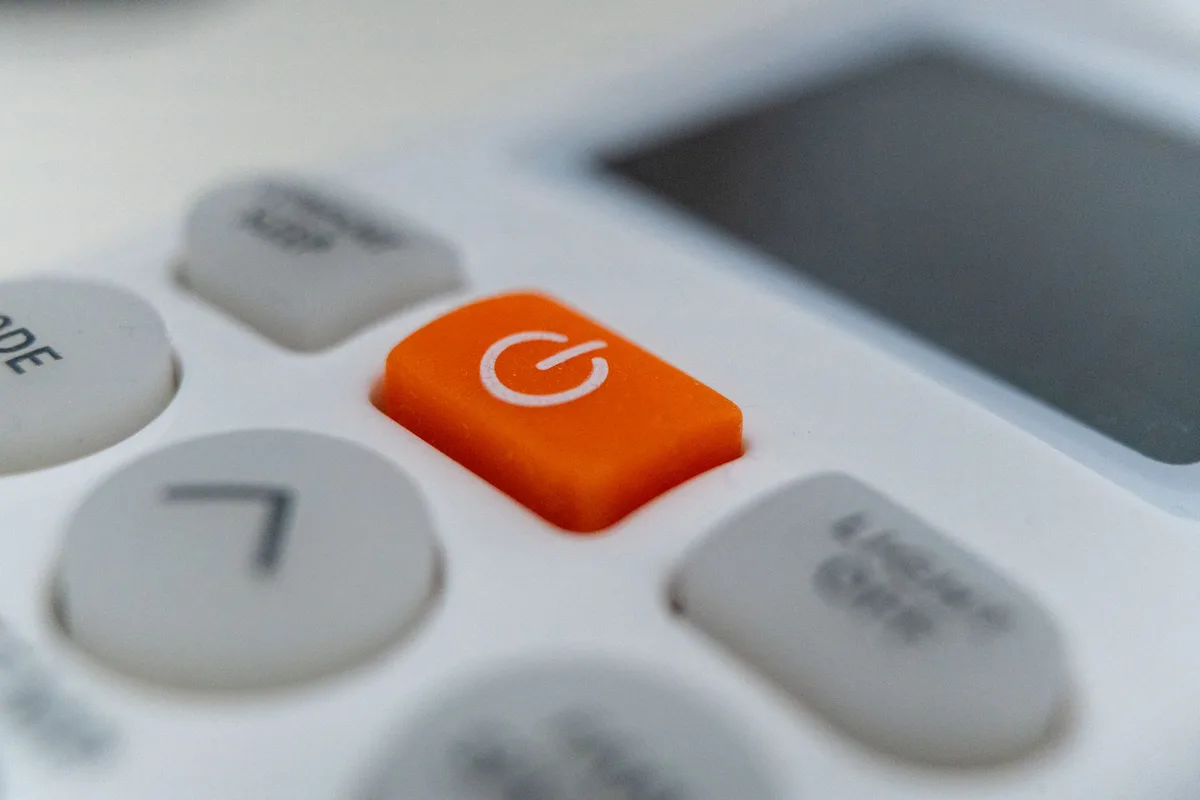
For many GE refrigerators, the reset involves pressing and holding a specific button or combination of buttons on the dispenser control panel. This is the most prevalent method across various GE models.
- Locate the Control Panel: Find the buttons and display area on your refrigerator's dispenser. This is where you select water, ice, or crushed ice.
- Identify the Filter Button: Look for a button labeled "Filter," "Water Filter," or sometimes it might be part of a set of controls. It might also be accompanied by a water droplet icon.
- Press and Hold: Press and hold the designated "Filter" button for approximately 3 to 5 seconds. On some models, it could be up to 10 seconds.
- Watch for Confirmation: Listen for an audible beep or look for the filter indicator light to change color (e.g., from red to green or off), or for a digital display to show "Reset" or 100%.
Trying Alternative Button Combinations
If the single-button hold doesn't work, your model might require a combination of buttons. This is often done to prevent accidental resets.
- Lock and Filter: A very common sequence involves pressing and holding both the "Lock" (or "Child Lock") button and the "Filter" button simultaneously. Hold them for about 3 seconds.
- Dispenser Lock Method: Some GE refrigerators use the "Dispenser Lock" button itself for the reset. Try pressing and holding this button for about 3 seconds.
- Specific Model Sequences: Always check your manual for less common combinations, as GE does introduce variations.
What to Do If the Light Still Won't Change
If you've tried the common methods and the filter indicator light, or message, remains active, here are a few more steps to try:
- Double-Check Filter Installation: Ensure the new water filter is fully seated and locked into place. An improperly installed filter might prevent the system from recognizing it.
- Try a Different Button: Sometimes a button can be sticky or less responsive. If you used one button, try another that seems related to settings or controls.
- Power Cycle the Refrigerator: Unplug the refrigerator from the wall outlet, wait for about 60 seconds, then plug it back in. This can sometimes clear minor electronic glitches. Once powered back on, reattempt the reset sequence.
- Consult Your Manual: If all else fails, the owner's manual is your ultimate guide. It will contain the precise instructions for your specific refrigerator model. You can usually find it online by searching for your model number on the GE Appliances website.
Common Mistakes to Avoid When Resetting
While resetting the GE refrigerator water filter indicator is usually simple, a few common missteps can lead to frustration. Not holding the button(s) for the required duration is a frequent error, as quick presses won't register. Relying on guesswork rather than checking your model's specific sequence also causes issues. Users might also forget that the filter itself must be properly installed and locked; if it's not seated correctly, the system won't register the change, and the reset command may not take effect.
Finally, not looking for a confirmation, either an audible beep or a change in the indicator light's color or status, can lead people to think the reset failed when it actually succeeded.
Expert Tips for Filter Maintenance
Keeping your GE refrigerator's water filter in top shape extends beyond just resetting the indicator. Proper maintenance ensures you're always getting the purest water and keeps your appliance running smoothly. GE recommends replacing your water filter every six months, or when the indicator light comes on. This timeframe is critical for ensuring effective filtration of contaminants.
Using a filter beyond its recommended lifespan can reduce its effectiveness and potentially restrict water flow.
Consider making a note of your filter's installation date. This can be a helpful reminder, especially if the indicator light malfunctions or if you have multiple filters to track. After installing a new filter and resetting the indicator, it's good practice to flush about 2-4 gallons of water through the dispenser. This removes any loose carbon particles from the filter and ensures the water tastes fresh right away.
If you notice a significant drop in water pressure, even with a new filter, it could indicate an issue with the filter installation or a blockage in the water line.
GE Resource: Finding Your Specific Model's Instructions
When tackling the task of resetting your GE refrigerator water filter, having the exact instructions for your appliance is key. While we've covered general guidelines, GE incorporates various designs across its refrigerator lines, meaning the button sequence can differ. The most reliable place to find the precise steps for your GE refrigerator is its owner's manual. If you no longer have a physical copy, you can easily access a digital version.
Navigate to the GE Appliances official website. Look for a "Support" or "Product Support" section. Here, you can typically enter your refrigerator's model number, usually found on a sticker inside the fresh food compartment, to download a PDF of your specific owner's manual. This manual will detail the exact button combination and duration needed to reset your particular water filter indicator light, ensuring you perform the task correctly and efficiently.